Smart TV IPTV Setup Guide 2026
A full installation manual for major Smart TV brands including Samsung, LG, and Sony. Follow our detailed steps to set up IPTV apps effortlessly.
Detailed tutorials for configuring Sapphire IPTV on every device, from Smart TVs to smartphones, ensuring seamless setup.
A full installation manual for major Smart TV brands including Samsung, LG, and Sony. Follow our detailed steps to set up IPTV apps effortlessly.
Our detailed walkthrough covers Amazon Fire TV setup for Firestick, Fire Cube, and Fire TV models. Easily install IPTV applications with this tutorial.
Configuration guide for Android TV boxes, Xiaomi Mi Box, NVIDIA Shield, and Chromecast with Google TV. Enhance your streaming performance with our instructions.
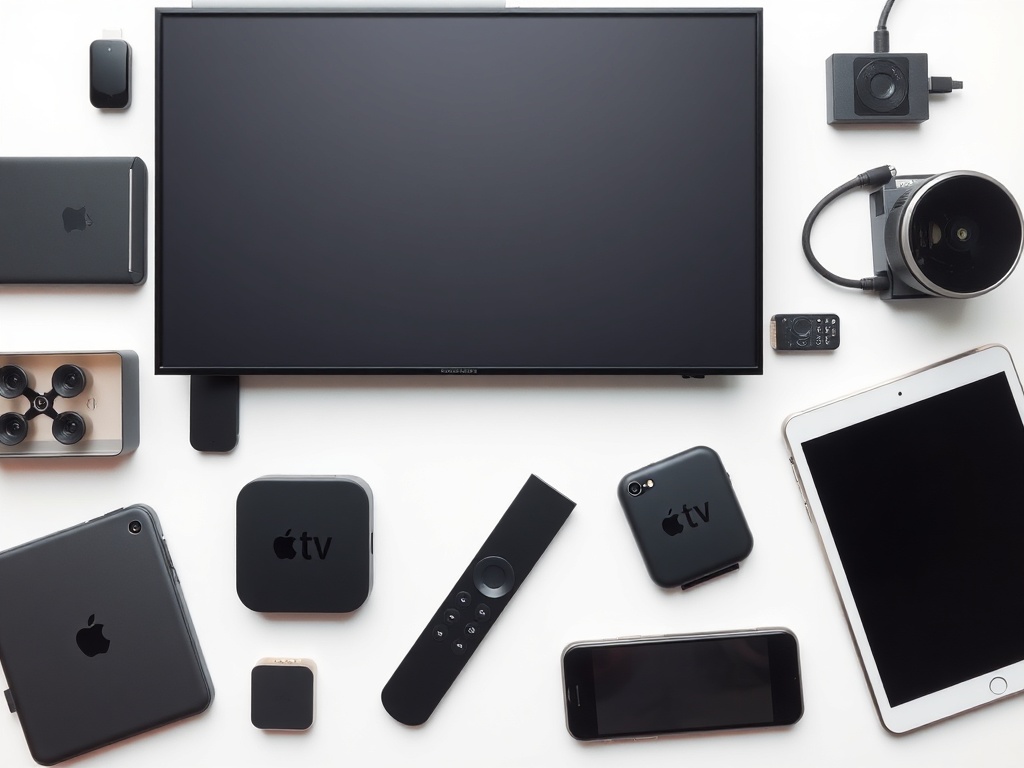
Full configuration for Apple TV, iPhone, and iPad. Compatible with iOS 17+ and tvOS 17+. Enjoy high-quality streaming on Apple products.
Configure IPTV on Roku streaming players and Roku TVs. Discover alternative approaches and suggested apps for Roku owners.
Mobile IPTV configuration for iOS gadgets. Stream content anywhere with specialized apps and settings for iPhone and iPad.
Full guide for setting up Android mobile devices. Works perfectly with Samsung, OnePlus, Google Pixel, and any Android device.
Configure IPTV on Windows 10/11 PCs and laptops. Discover the best applications and tuning advice for computer viewing.
Comprehensive installation process for macOS systems. Customized applications and configurations designed specifically for superior Mac streaming.
Set up IPTV services on Linux platforms such as Ubuntu and Mint. Open-source applications and terminal-based configuration steps.
Expert MAG box configuration for models 250, 254, 322, and 424. Portal setup and specialized settings adjustment.
IPTV setup for Enigma2 devices including Dreambox, VU+, and Gigablue. Plugin installation and system configuration.
Professional Formuler box installation for Z Alpha and other models. MYTVOnline configuration and system enhancement.
HD content demands at least 25 Mbps, and 4K streaming needs over 50 Mbps. Ethernet is recommended for the most stable connection.
Ensure your Sapphire IPTV username, password, and server URL are accessible. These details are essential for every setup.
Opt for IPTV Smarters Pro on most devices due to its superior compatibility and feature-rich interface.
Tailor video quality based on your internet speed. Turn on EPG for program schedules and manage your favorite channels.
Get personalized support from our 24/7 team to configure IPTV on any device. We’re here to assist with your unique setup.